Brick Discount Code and Honest Review
(This post contains affiliate links, which means that I may receive a small commission at no extra cost to you)
Here is my full and honest review of screen time device Brick.
As someone who is active on social media, I sometimes feel like a slave to my phone’s algorithm. Don’t get me wrong, I love connecting with people on Instagram, but the internet does have a tendency to pull me away from the real world.
There are so many things I want to do other than scroll on my phone. I love to read, and I recently got really into Craft Club Co’s latch hooking kits.
This is why I was excited to hear from Brick, who use their physical device as a way to help people switch off and engage in offline pursuits.
Don’t Have Time to Read This Post?
Click here and use my code ‘SHEREADSANDTRAVELS’ at the checkout for 10% off your purchase.
So, What Is Brick?
The idea is simple. Brick is a physical square device you can use to lock, or ‘brick’ your phone. This works as a physical barrier, and scanning it is the only way to regain access to your apps. This makes it much harder to get sucked into a doomscroll on a whim, when you’re meant to be doing something else.
One of the best things about Brick is that the settings are customisable, which makes it easy to choose whether you want to block specific apps or all of them. This makes sense, as there may be times when you are working and need to access your email or want to listen to Spotify.
This review is for anyone who is interested in reducing their screen time. I discuss whether Brick is easy to use, how much it costs, and whether it’s an effective tool for reducing your phone use.
At a Glance
No subscription required
Free lifetime app access for Android and iOS
Battery free so does not need charging
Works across multiple devices
The Brick itself is magnetic and designed to be placed somewhere in your home - preferably out of reach - to prevent you from unlocking your phone impulsively. When you’re ready you can tap the Brick, and just like that, the apps on your phone will be unlocked.
It’s a neat idea, and I can see why it has captured the attention of so many people.
How Brick Works
Using Brick is simple and follows a few simple steps.
Set up Your Brick
Getting started with Brick is quick and easy. To start with, you need to download the app from the App Store on iPhone or the Play Store on Android. You will need to register for an account, and allow the Brick to have screen time permissions.
Choosing Which Apps to Block
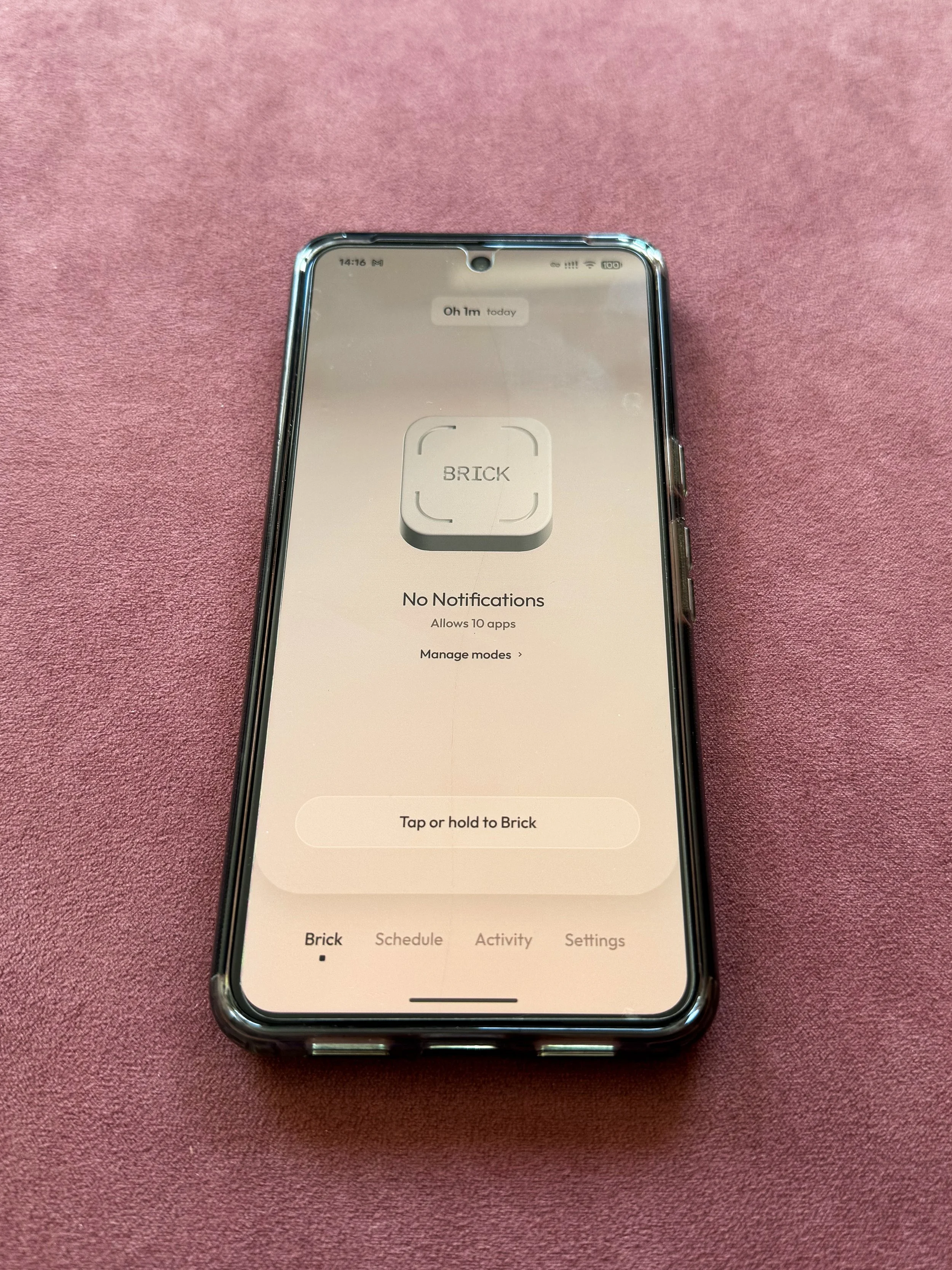
Next you will be asked to set up your first mode. All you need to do is choose which apps to block and give it a name. You can then add additional modes which block or allow a different range of apps.
For example, a ‘Running’ mode could allow you to access Spotify but not social media, and a ‘Focus’ app could allow you to access your emails but not Instagram or Snapchat. It’s completely up to you how you want to configure your settings.
You can even block everything if that feels most useful for you.
Tap and Hold to Brick
Select the mode you want to activate and tap or hold the button on the app. It’s easy to find as it’s literally called ‘Tap or hold to Brick’. Once you’ve done this the Brick will be activated, and your apps will be blocked. I then recommend placing the physical Brick somewhere out of reach.
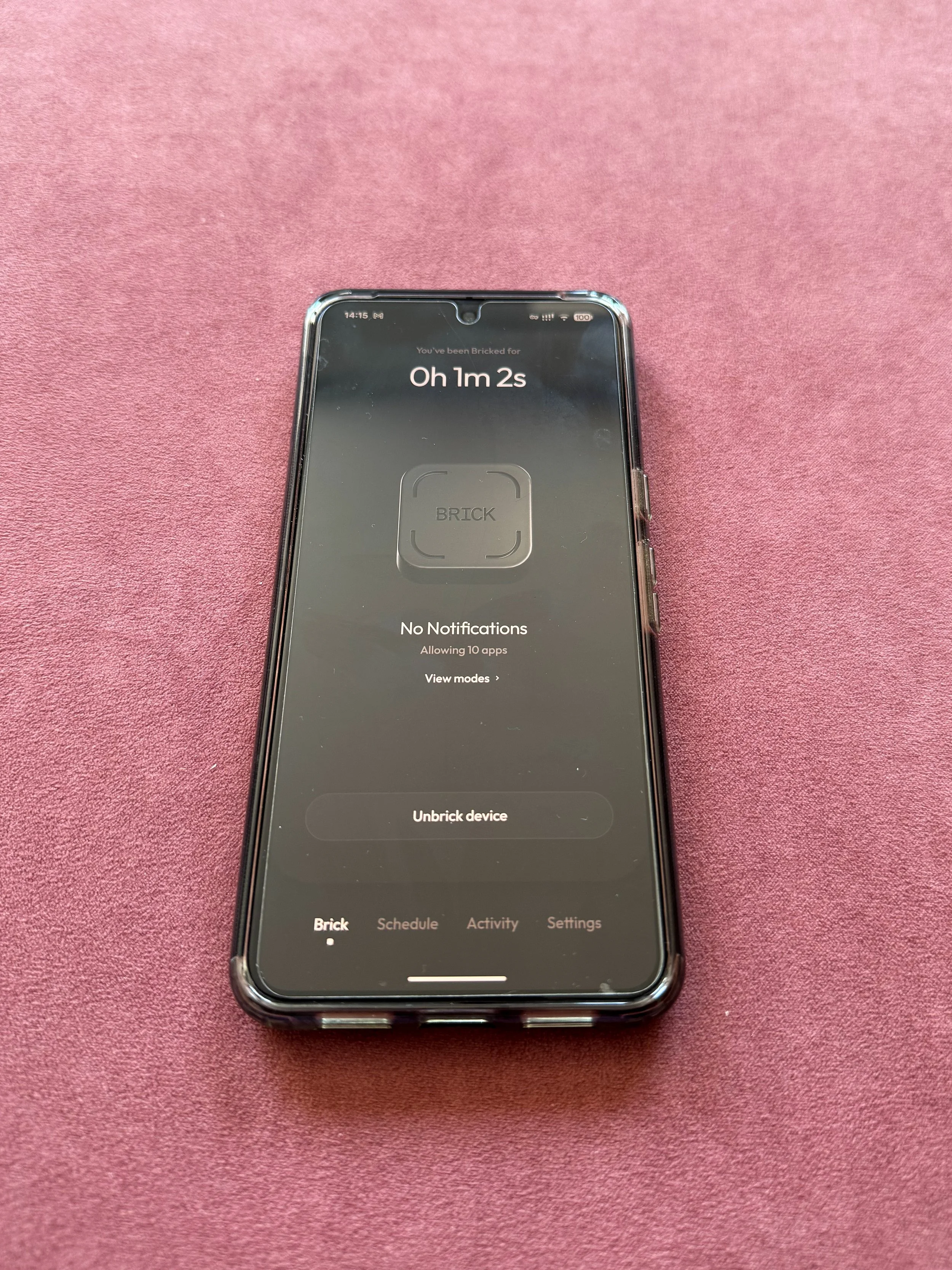
Unlock Your apps again By Tapping the Brick
Once you’re ready to use your phone again, find the physical Brick and tap your phone against it. This will unlock everything and return your phone to normal.
My Experience Using Brick
I’ve been using Brick for around a month now, and I’m impressed with how simple and easy it is to use. It genuinely does make it easier for me to stay off my phone by providing a physical barrier that prevents me from being impulsive and getting distracted.
Of course this does require a certain amount of discipline, and the biggest struggle for me is finding the motivation to use it in the first place. There are days where I really want to spend time scrolling on social media, and that can prevent me from using Brick in the first place.
When I did use it, I found that Brick really helped me to focus, especially when I’m working on a project that requires concentration.
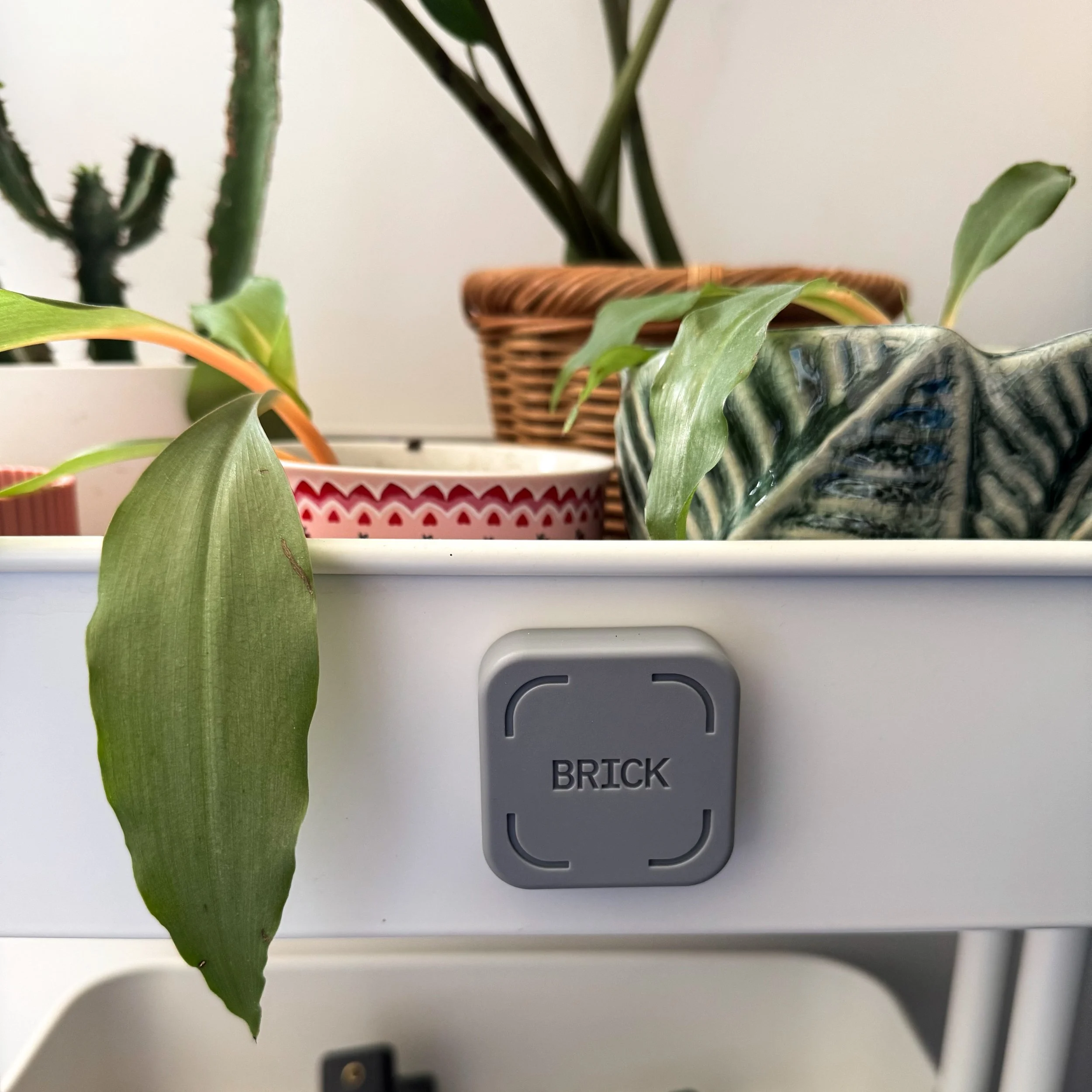
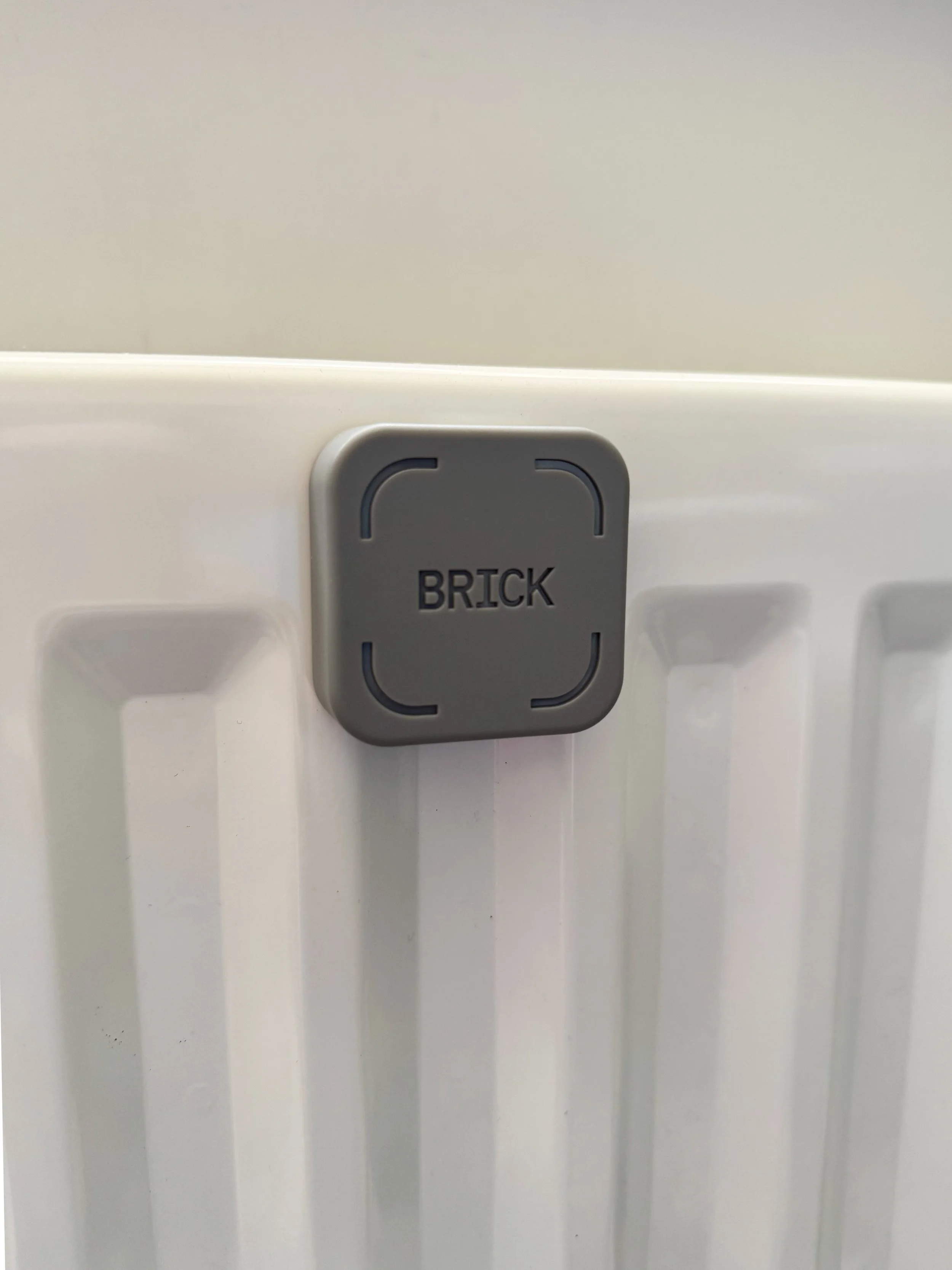
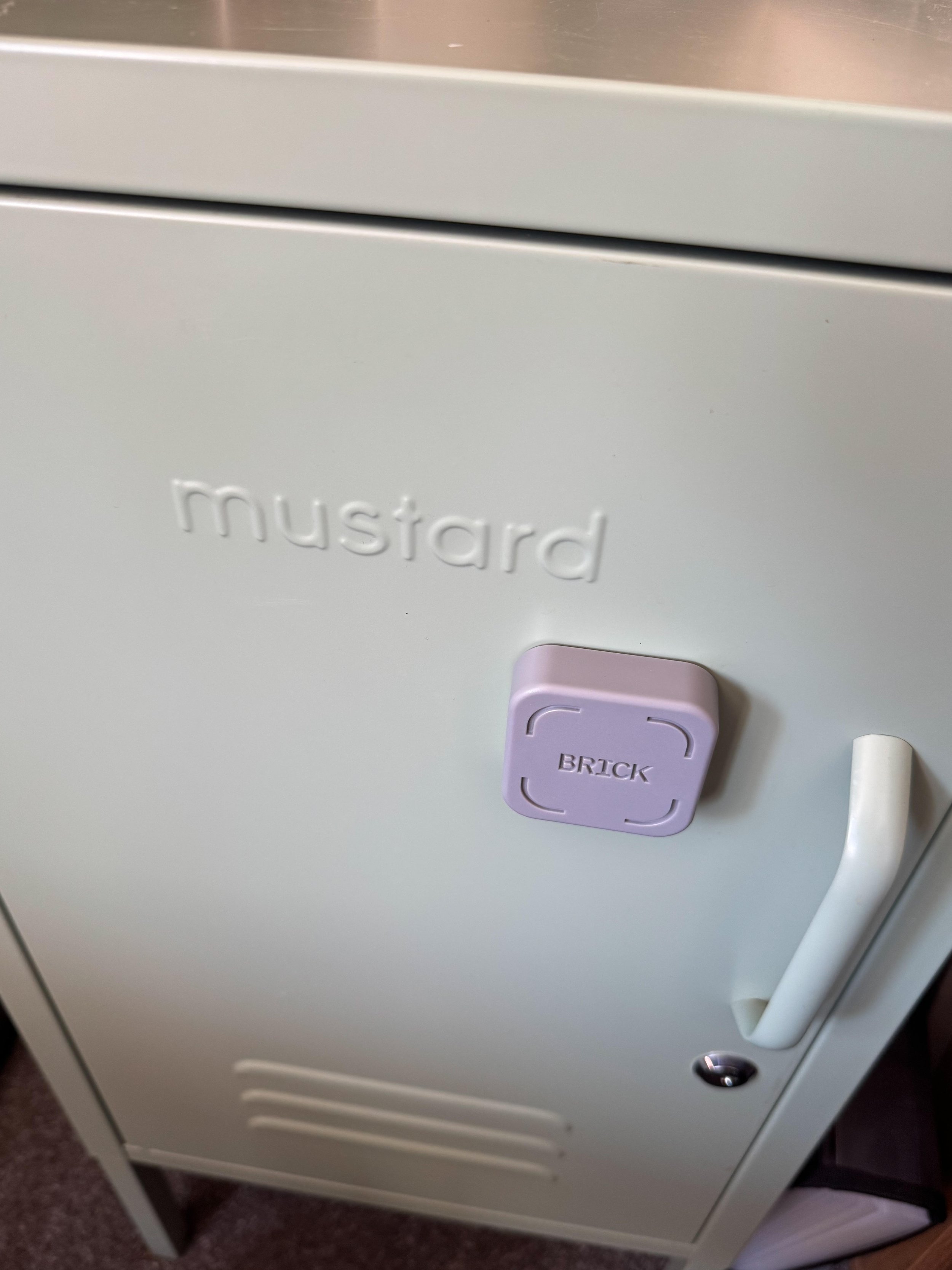
I also really liked how easy the physical Brick was to keep track of due to it being magnetic. I lose things easily, so found it handy that I could attach it to a radiator or the IKEA trolly I keep in my office. If I want the Brick to be further out of reach, then I can pop it on my fridge in the kitchen, which requires me to get up from my workspace and walk through my home in order to unlock my phone.
I even took it with me on a cruise where the walls were magnetic, meaning I could attach the Brick straight onto my cabin wall. This made it easy for me to pick up my phone when I wanted to contact friends or family, but lock my social media away when I wanted to relax offline.
Pros
Using the Brick as a physical barrier is very effective
It’s quick and easy to set up and use
Brick works with any app you have on your phone, as well as internet browsers, with customisable settings
It helps to build intentional habits and is less tempting than relying on willpower alone
Cons
The Brick can be easy to misplace
It doesn't solve underlying habits by itself and does require some discipline
The price may not suit everyone, when other services such as Screen Time are free
Not everyone likes carrying an extra accessory around with them
Who Should Buy Brick?
I believe this product will be helpful for a wide range of people. I’m a full time freelancer, which makes Brick perfect for me, as working from home really does require a lot of willpower to stay on task and not be distracted. My job as a content creator also means that I use social media a lot, meaning that my phone is often nearby and can feel tempting. Using Brick helps me to have more boundaries and be more intentional with my time.
I think students in particular will also find Brick to be really helpful. I remember how much time I used to spend procrastinating on my assignments, and having a way to block distractions would have been so beneficial.
Ultimately, Brick has the potential to be life changing for anyone who wants to reduce the amount of time they spend on their phone. If endless social media doomscrolls are your downfall, and you want to make a change, then it’s likely you will find this helpful. It may even be a handy tool for people with ADHD, and provide a physical barrier that prevents impulsive phone use.
This product isn’t for you if you’re aware that you spend a lot of time on your phone but don’t feel ready to change your habits. There is an element of behaviour change that has to come from the user, and without that, Brick isn’t going to work.
Frequently Asked Questions
Does Brick really work?
Yes, it does really work - if you want it to. There are always ways to cheat, so don’t do that.
Can Brick block every app?
Brick can block as many or as few apps as you like.
Does Brick work on iPhone and Android?
Yes, Brick works with all mobile phones running iPhone IOS 17.0 and Android 12.0 or newer.
Can you bypass Brick?
Brick has an emergency unbrick button that you can use without going through the usual process. These are limited to 5 unbricks, and after that you need to email them and ask them to reset your allowance.
Is Brick better than Screen Time?
100%. Screen Time is very easy to override and requires much more self control. Brick on the other hand gives you a physical device that can create distance between you and the apps on your phone.
How much does Brick cost?
Brick currently costs £54, and is a single purchase item with no additional costs or subscriptions required.
Conclusion - Is Brick worth It?
In my opinion, yes, Brick is definitely worth the £54 it costs if you are committed to using it properly. It’s worth remembering that it’s not a magic bullet, and you do need to be prepared to challenge yourself.
If you’re reading this and you want to spend less time on your phone and more time in the real world, then this product is for you.